
 01
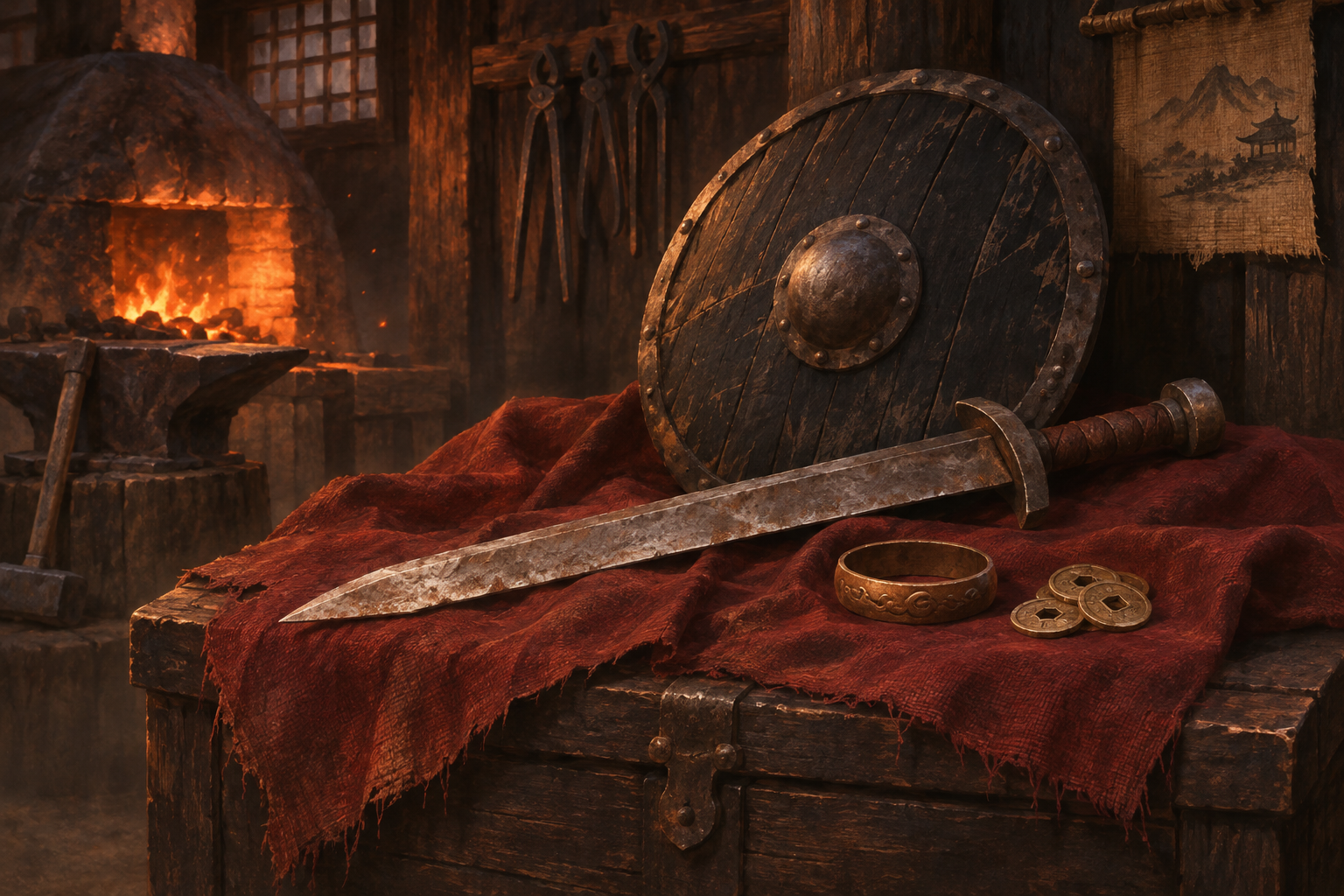
Black Round Shield +3
+8 Strength
 M2CompanionMETIN2 COMPANION
FARMING · FISHING · EVENTS
Choose your farm targets and filter equipment by its bonuses. Run fishing, Fishing Jigsaw and Yutnori with your own settings. Manage your characters from one window.
Your license starts on the first successful app sign-in.
 KHANVisit the smith ↓
Select the game client opened through Gameforge.
Save your target, item and skill choices.
Control each feature from its own switch.
THE COMPANION LAB
Pick a rule and see the result. Get to know Companion through a few small experiments.
EVERY ITEM HAS A DESTINATION
Strength or Intelligence: one matching condition is enough. Change the threshold and see which shield stays in your inventory.
 01
+8 Strength
02No bonuses
Test the filter to see both decisions here.
TOGETHER OR ALTERNATIVE
Transform a costume to get 1–3 bonuses. Then add the combinations you value; stop when any one matches.
Select the combinations you want to keep.
FROM INVENTORY TO ALCHEMIST
Dismantle eligible items on your list with a Magic Hammer. Turn the fragments into crystals at the Alchemist.
 Check
 Dismantle3 eligible listed itemsReady
The two protected items will stay in the inventory.
Illustrated with 8 + 7 + 15 fragments and a successful craft. Actual yields and success vary.TRAVEL ON THE SAME MAP
Double-click the map or choose a saved location. Walk and Teleport use a traversable route around obstacles.
Choose a point on the map; mountains are treated as obstacles.
PLAY YOUR WAY
Every character needs a different setup. Choose your systems and save your settings to a profile.

Choose a start time and duration. Stop when time or bait runs out, then review your catch.

Choose your centre, radius, targets and skills. Keep track of the action on the map.

Let Fishing Jigsaw collect the reward and start a fresh board. Set a game limit for Yutnori.

Use consumables at an interval or when their effect expires. Let the helper renew gloves, rings and Wisdom Potions.
Choose your item, target + level and method order. Continue the plan as each result is confirmed.

Save named setups and transfer them to another computer when needed. Get updates from within the app.
M2COMPANION
See character details, map and inventory together. Load a separate profile for each client and use Auto Pot, respawn and Auto Login independently.
FEATURES
From demo to desktop: choose a section and explore the actual controls.
Set the farm centre and radius. Choose monsters, Metin stones or bosses independently, then select your skills. When surrounded outside the circle, the character clears nearby monsters before returning to the fixed centre.
Add the items you want to collect. Choose bonus types and minimum values for equipment. An item is kept if it matches any selected condition; newly collected items that fail the filter are dropped. Each decision is recorded in pickup history.
Uses a Fishing Marble to identify the bite and follows your catch list. After three successful hits, it waits for the result and applies your Kill or Drop rules to the catch. Strike and mount delays can use fixed or random timing.
Works out piece placements in Fishing Jigsaw, collects the reward and continues to the next board. Play until boxes run out or stop when inventory is full. Set a game limit in Yutnori; it stops when that number is reached.
Equips another Thief’s Glove, Experience Ring or Wisdom Potion from inventory when the current one expires, waiting for the character to stand still first. Other consumables can be used at an interval or when their effect ends.
Application screenshots on this page were created with demo data. They contain no real account, key or session information.
STATISTICS
Anonymous totals across all licenses. Fishing and Jigsaw records update as sessions progress.
No games recorded yet.
Last updated:
| Fish / item | Attempts | Successful | Failed | Total quantity | Success rate |
|---|---|---|---|---|---|
 Minik Balık |
1,111 | 1,111 | 0 | 1,101 | 100.0% |
 Büyük Sudak Balığı |
1,005 | 743 | 262 | 740 | 73.9% |
 Sudak Balığı |
828 | 672 | 156 | 669 | 81.2% |
 Ringa Balığı |
828 | 656 | 172 | 648 | 79.2% |
 Sazan |
568 | 413 | 155 | 407 | 72.7% |
 Som Balığı |
459 | 345 | 114 | 344 | 75.2% |
 Ot Sazanı |
269 | 194 | 75 | 194 | 72.1% |
 Gümüş Anahtar |
175 | 167 | 8 | 167 | 95.4% |
 Altın Anahtar |
174 | 165 | 9 | 165 | 94.8% |
 Zargana |
235 | 161 | 74 | 159 | 68.5% |
 Gökkuşağı Alabalığı |
233 | 154 | 79 | 154 | 66.1% |
 Dere Alabalığı |
229 | 149 | 80 | 149 | 65.1% |
 Tekir Balığı |
232 | 149 | 83 | 149 | 64.2% |
 Yayın Balığı |
216 | 149 | 67 | 147 | 69.0% |
 Tatlı su karidesi |
309 | 144 | 165 | 144 | 46.6% |
 Levrek |
224 | 144 | 80 | 142 | 64.3% |
 Hamsi |
226 | 143 | 83 | 141 | 63.3% |
 Nehir Alabalığı |
227 | 138 | 89 | 138 | 60.8% |
 Lüfer Balığı |
186 | 135 | 51 | 133 | 72.6% |
 Deniz kızı anahtarı |
236 | 110 | 126 | 110 | 46.6% |
 Yabbie yengeci |
100 | 57 | 43 | 57 | 57.0% |
 Kadife Balığı |
111 | 52 | 59 | 52 | 46.8% |
 Kral yengeci |
97 | 52 | 45 | 52 | 53.6% |
 Aynalı Sazan |
104 | 51 | 53 | 50 | 49.0% |
 Kurbağa balığı |
100 | 50 | 50 | 50 | 50.0% |
 Altın Sudak Balığı |
95 | 46 | 49 | 45 | 48.4% |
 Palamut Balığı |
101 | 42 | 59 | 42 | 41.6% |
 Sevimli Balık |
94 | 41 | 53 | 41 | 43.6% |
 Yılan başı balığı |
72 | 35 | 37 | 35 | 48.6% |
 Altın ton balığı |
4 | 4 | 0 | 0 | 100.0% |
 Bilge Kralın Eldiveni |
2 | 1 | 1 | 1 | 50.0% |
 Saç Boyası Temizleyici |
1 | 1 | 0 | 1 | 100.0% |
 Altın Yüzük |
1 | 0 | 1 | 0 | 0.0% |
 Görünmezlik pelerini |
1 | 0 | 1 | 0 | 0.0% |
Success rate is the share of confirmed attempts that resulted in a catch. Quantity counts individual items received.
Last updated:
No games recorded yet.
Last updated:
PLANS
Choose a plan and sign in to the app with your key. Your license starts on your first successful app sign-in, not at purchase or website verification.
fwefwe
wefwef
FROM COMPANION
ergerg
HELP
Something else on your mind?
No. The website only checks that your key is valid. Your license starts when you first sign in successfully in the M2Companion desktop app. This page does not bind a device either.
Enter your license key on the download page to get the latest Windows installer.
A license is bound to one computer. You can move it by resetting the hardware binding with your key; subsequent resets have a 24-hour cooldown. Keep the key private.
Save named profiles and keep separate setups for different characters. A profile is not applied automatically on startup; you choose which one to load. Event bots also start only when you ask them to.
Yes, for the current fishing flow. The Marble identifies the incoming fish or item. The bot does not start successful hits without a known target, even with Catch All selected.
It pauses the selected features when another player enters your configured circle, then resumes them when the area clears. It is a standby setting, not a guarantee against penalties.
The Setup package includes the required runtimes; no separate .NET installation is needed. Install it on Windows and connect to the supported game client opened through Gameforge. Check compatibility announcements after game updates.
